
It’s Not A Home Without A Doorbell
No one ever made a big deal out of a doorbell — it was pretty common at the front of a home and its function was pretty simple; you pressed the button on its front and that made a chime/bell ring inside the home. Obviously the whole process required wires to have been run from the doorbell to the chime/bell, but that was done when the house was being built so no big deal. Today doorbells are just as important because they offer more functionality than just making a noise when someone presses that button. You now get doorbells with video cameras so that there just isn’t a noise being generated, but now video and audio as well. Installing a video doorbell is pretty easy too, except. Except that many require removing the original doorbell so that the electric wires can be used to create power. That alone pretty much dictates where the doorbell would have to go, and that isn’t always the most convenient place for it.
Our 2025 Thailand Songkran Holiday
Watch More
So what’s needed is a video doorbell that provides all the positives of the above but doesn’t require electrical power. Because it has a built-in rechargeable battery that takes care of the power requirements. That’s exactly what you get with the Reolink Battery Doorbell
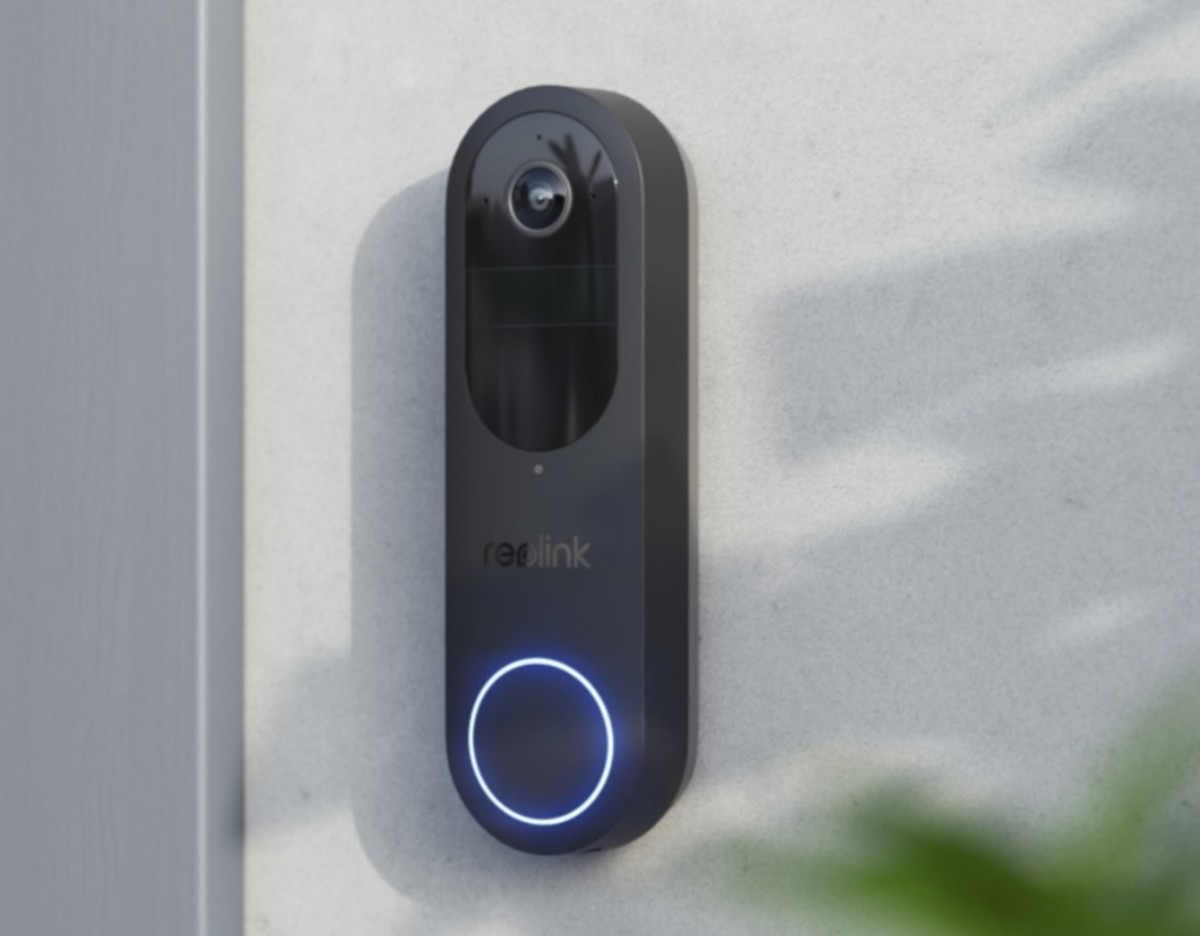
What It Looks Like
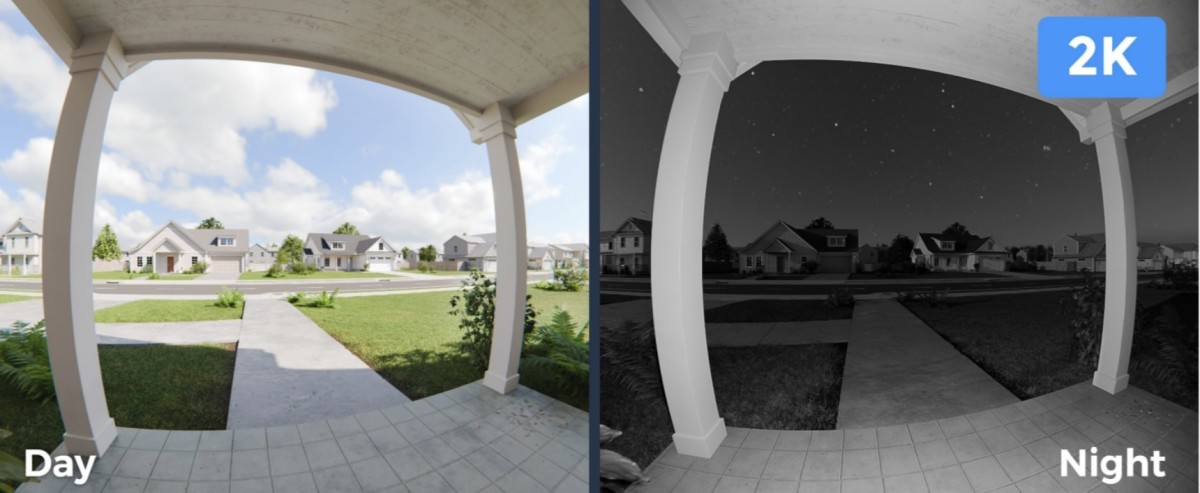
So let’s discuss what you see on the outside first. The Battery Doorbell is both slim and black — it’s not about a color choice because it’s designed to be used vertically (or horizontally with the optional adapter) — providing a unique 1:1 view that goes 150°x150°x180° so top to bottom means seeing the guy’s head who’s delivering a package to the front porch or the floor on which the package was left. Besides people detection, there’s vehicle and package detection as well (though obviously it’s going to be a person bringing the package, not it delivering itself). The 2K 4MP resolution utilized by the lens provides a fixed focus view day or night — the night vision being a lot clearer than what people who’ve gotten video doorbells in the past expect.
Besides the video, it’s no surprise that audio is also part of the equation here, and that it requires a built-in mic and speaker to make it happen at the doorbell’s end. And no surprise that the doorbell button on the front gets a nice glow circle around it.
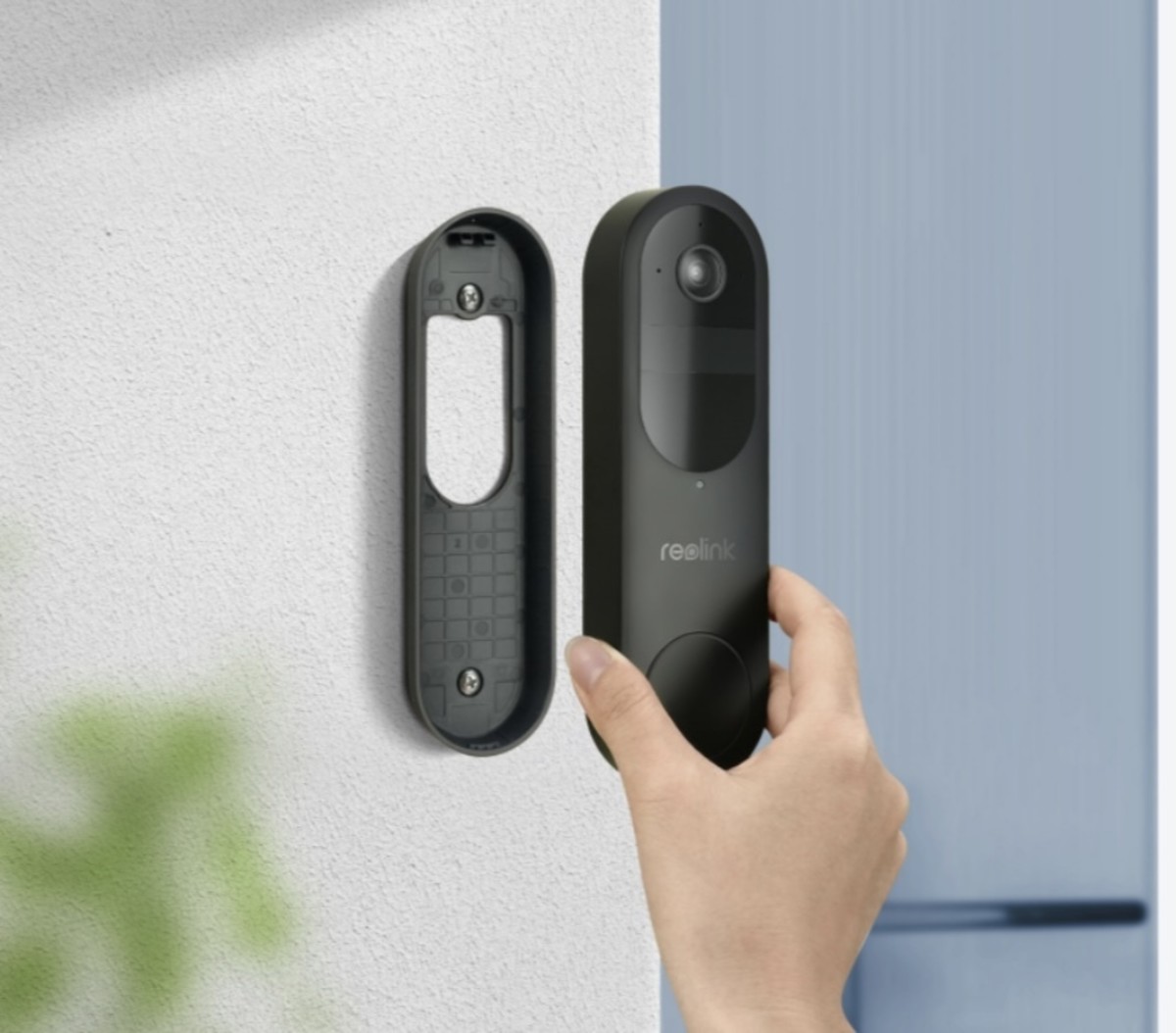
Wi-Fi And Installation
Now what do we have working inside — Wi-Fi being the driver for being able to watch/operate the doorbell from distance. Dual channels allow for dealing with distance — if the doorbell is fairly close to the router/Wi-Fi transmitter, then the 5GHz signal does the job with increased speed. But should distance be needed, then selecting the 2.4GHz band will take care of things.
Scroll to Continue



We almost didn’t bother mentioning how you install it on the wall because there’s so little to do: place the cradle against the wall and secure it with wall anchors and screws, etc. Then place the doorbell onto it so it “locks” into position and secure the lock mounting hole so the two parts stay together. Yep that’s it.
You’ve Got Power
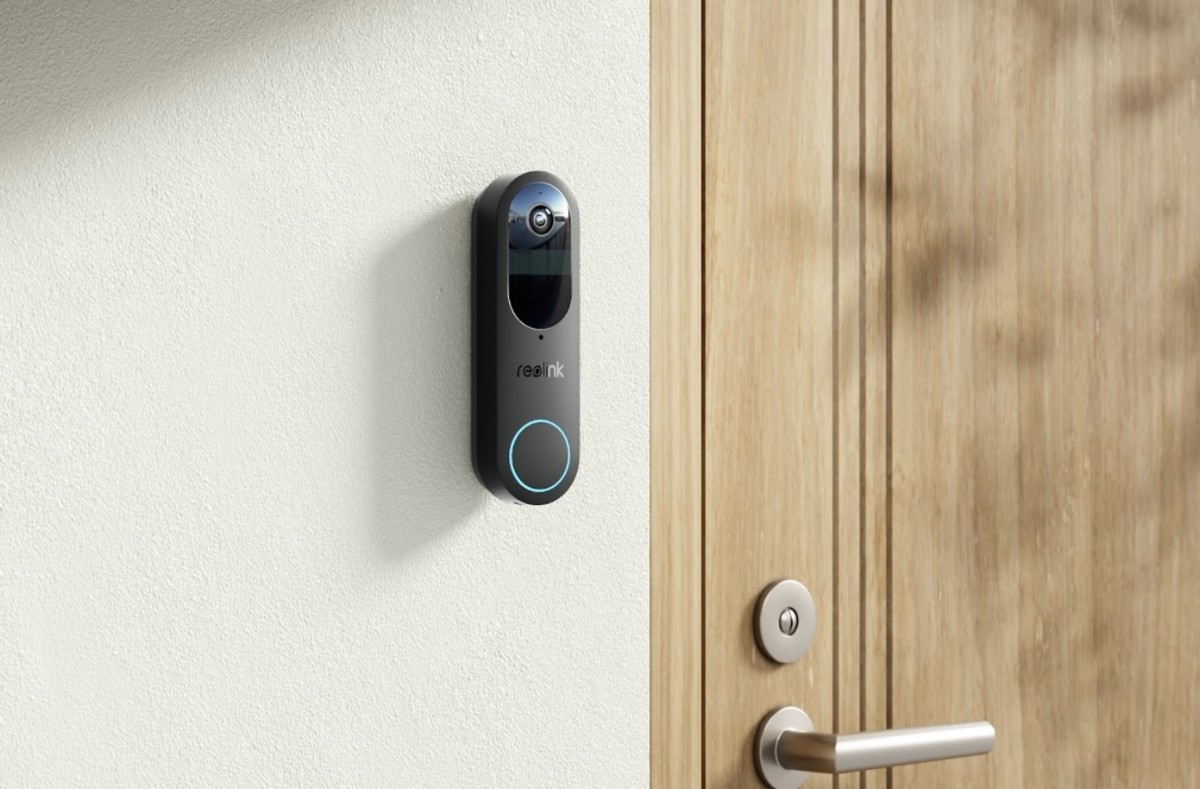
Now about that battery — because it’s rechargeable and consists of 7,000 mAH, it’ll both last for a couple of months under normal use (on average) as well as being really easy to install. That’s because you just have to make sure to place it where you want it to go, not having to go where it would have to go with the existing wired doorbell (although if you really want to avoid ever having to recharge it, which requires accessing its back for the USB-C connection, hooking it up to the existing doorbell’s electrical wiring is a solution). Here’s a tip for those looking to be sure of placement before committing to securing the doorbell: make sure it’s charged up and you’ve gone through the installation process so that the app is available so that you can “look” at what the doorbell will see as you or another holds it against the wall, etc.
Chiming In
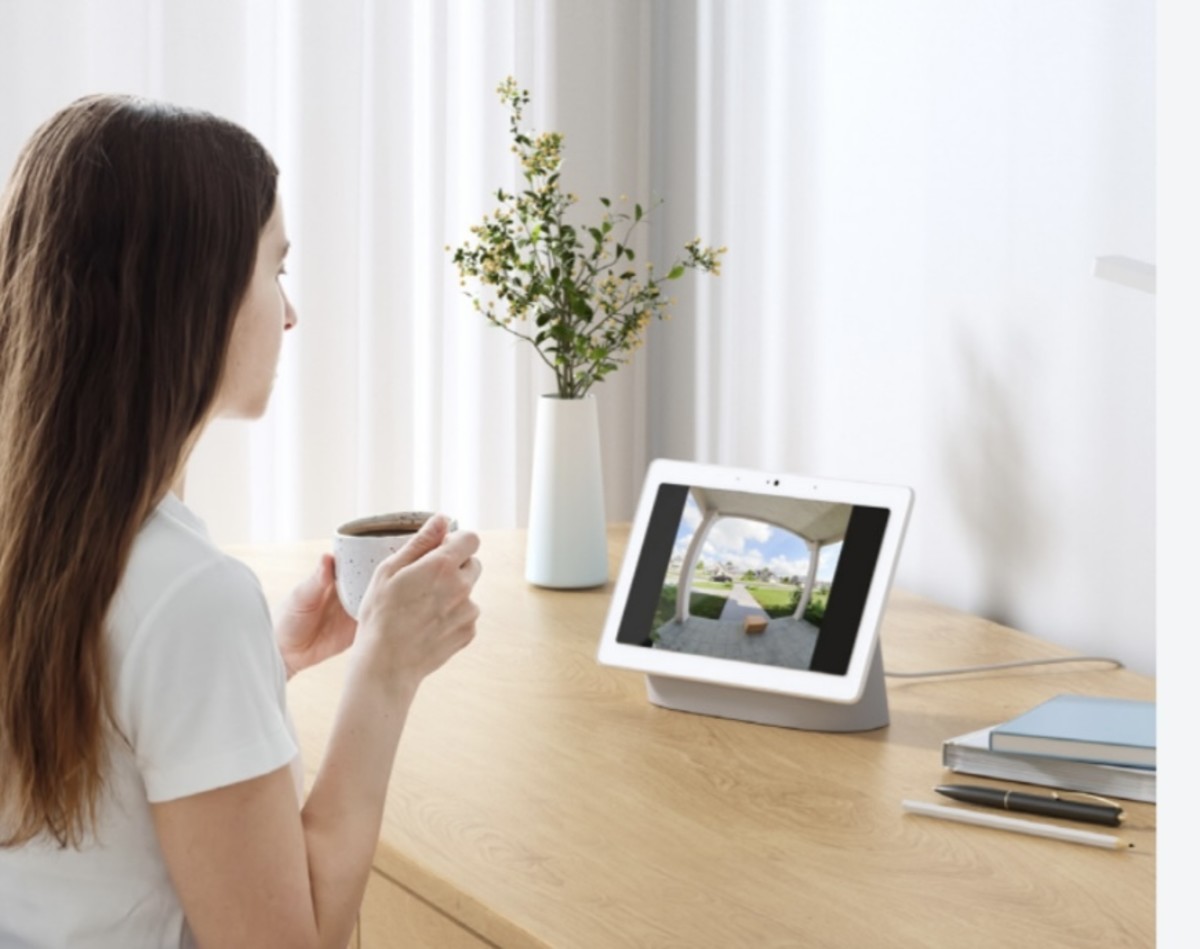
There’s an optional Wi-Fi enabled chime to use, but other choices are to go with Alexa Echo Show or Google Assistant, or just let the app handle that since who doesn’t have their phone grafted to their hand these days? Those wanting to tie the doorbell into their existing wired chime can do that to, although we’re thinking it probably requires a bit more technical expertise than the typical DIY might have if they’re not just putting the doorbell in place of the existing wired one.
The App
As you’d expect the free app provides a wealth of functionality — you can use it to monitor what its lens is seeing in (near) real time (there’s also a PC app besides the iOS/Android one). Notifications and access to live/recorded footage as well as the usual expected controls for accessing the audio and video options.
You can rely on the app to activate smart detection to do its thing and send out alerts — there’s no subscription charges either because a microSD card locally holds the data inside (up to 256GB – get the largest SD card you can since it’s inserted into the doorbell’s backside). Those wanting more can go with Reolink’s Home Hub which provides more storage capacity.